How it works
From your repository to your running system.
Connect a repository and a Kubernetes cluster, and Ankra writes the setup, tests, builds and scans every push in your own cluster, deploys it and gives you a live URL.
30 vCPU of platform usage included. Try it without a card; a card unlocks full access and €59 of credit.
ankra application ship . --cluster production
Repository analysed
Setup pull request opened
Tests passed
Image built in your cluster
Scanned with Semgrep, Checkov and Trivy
Published sha-4f2c9a1
Deployed, 2 pods running
Live: https://shop.example.com
From repository to live
Four steps. Most of them are ours.
You connect, review and push. Ankra does the container, pipeline, scanning and deployment work in between.
- Step 01
Connect your code and a cluster
- You
- Connect a GitHub repository. Import an existing Kubernetes cluster with one Helm command, create one on your cloud, or start in a playground.
- Ankra
- Links the cluster through an outbound-connected agent, so there is no inbound port to open.
Illustration · the connection Your repositoryAnkraYour clusterOutbound-connected agent. No inbound port to open.
- Step 02
Review the setup pull request
- You
- Read the pull request and merge it like any other change.
- Ankra
- Reads your code and writes the container, Kubernetes manifests and pipeline it needs.
Illustration · the files Ankra writes Setup pull request
Dockerfileadded.ankra/pipeline.yamladded.ankra/manifests/added
- Step 03
Push your code
- You
- Keep working the way you already do. Push to your branch.
- Ankra
- Tests, builds and scans every push inside your own cluster. Only an image that passes the gate is published.
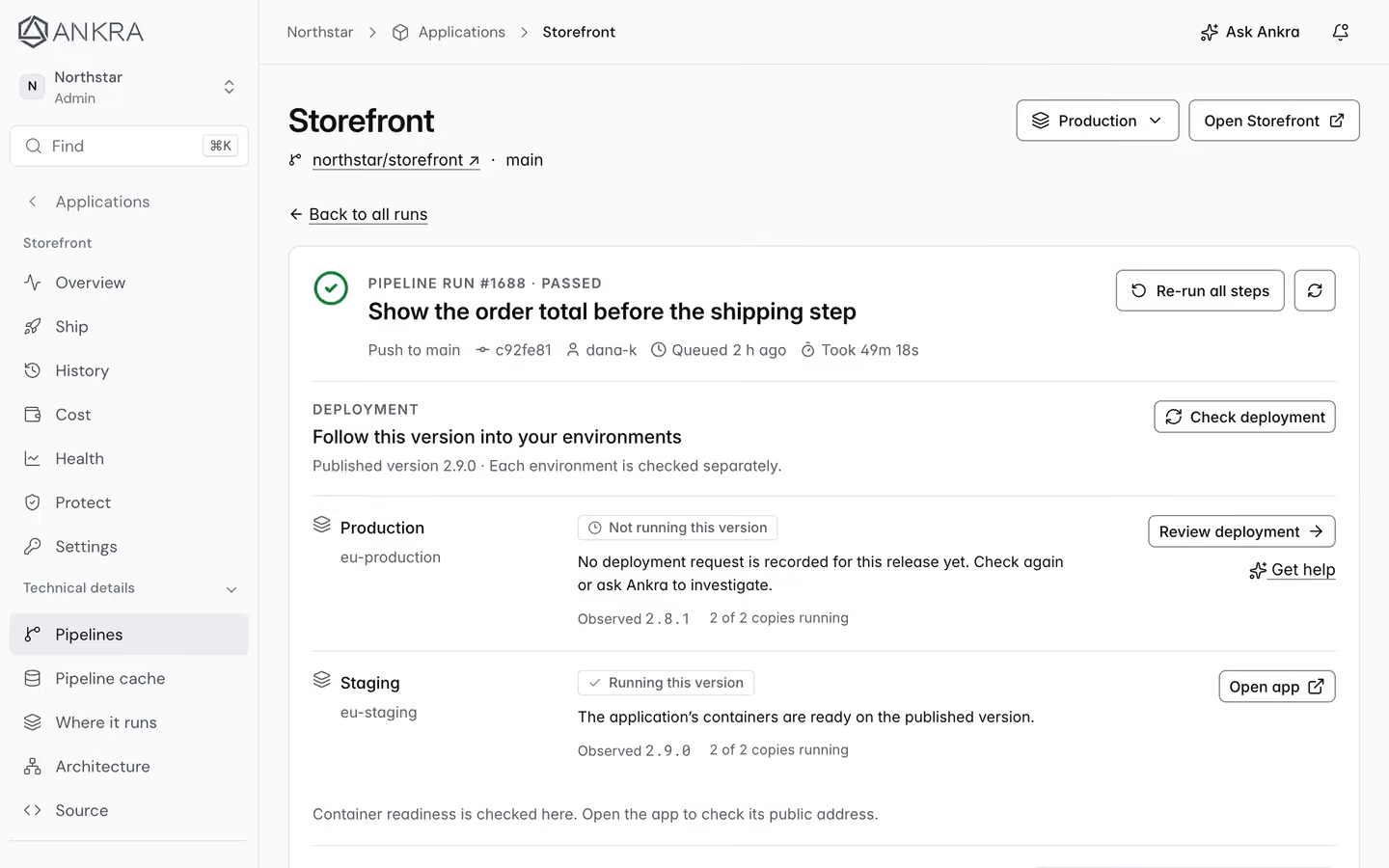
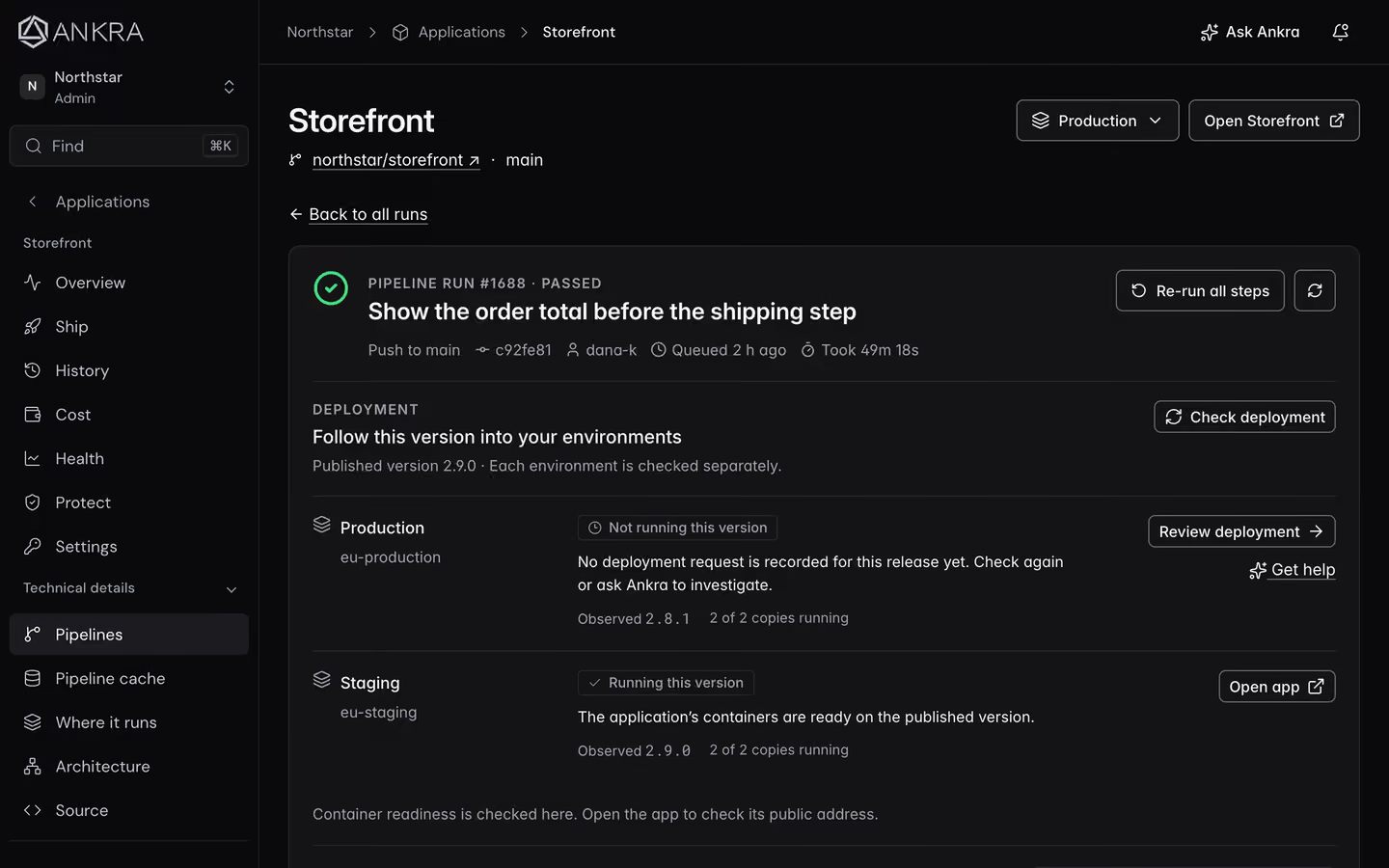
The Ankra platform, shown with demo data. - Step 04
Go live
- You
- Open the link and share it.
- Ankra
- Deploys the new image, checks that pods are running and gives you the address.
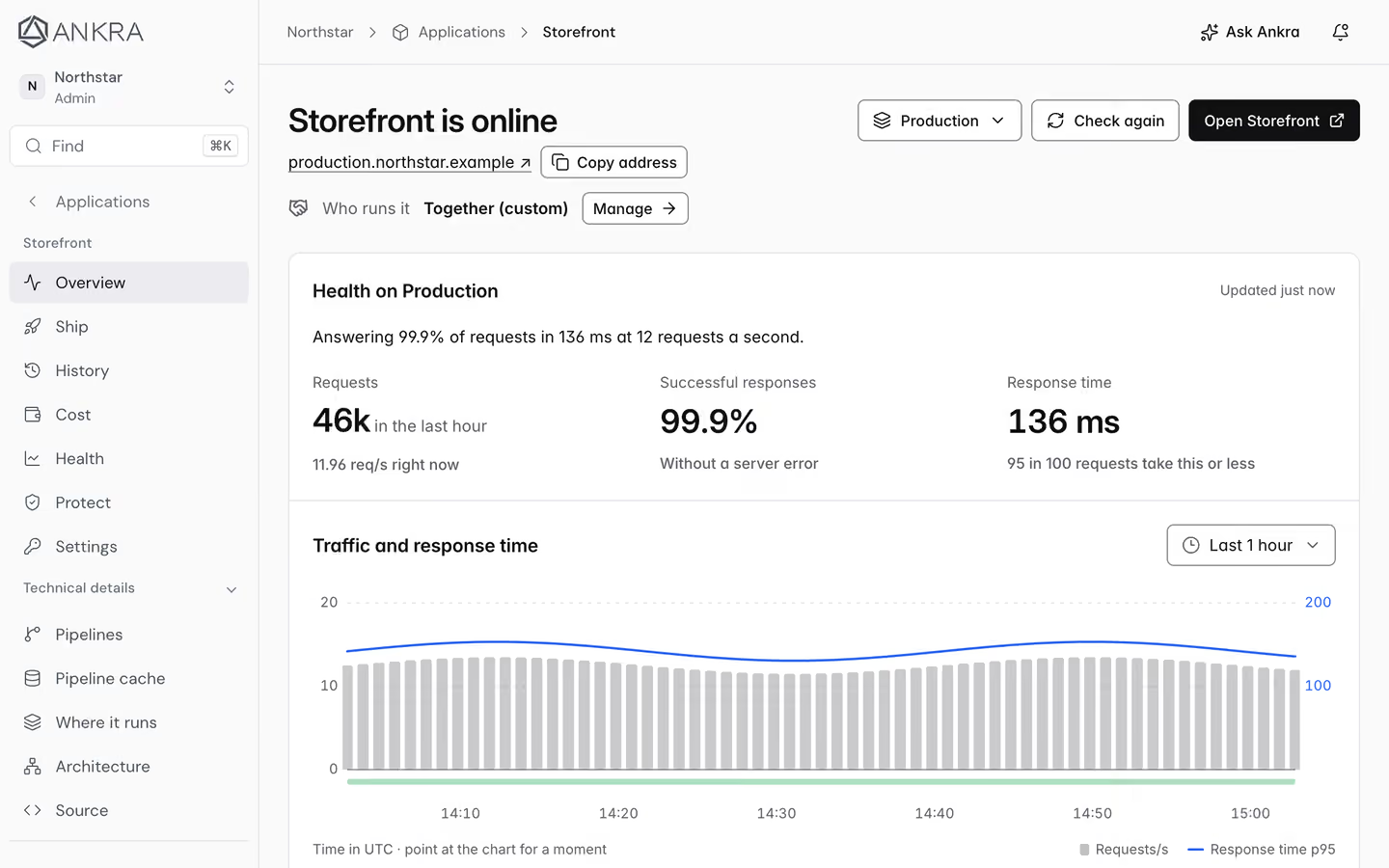
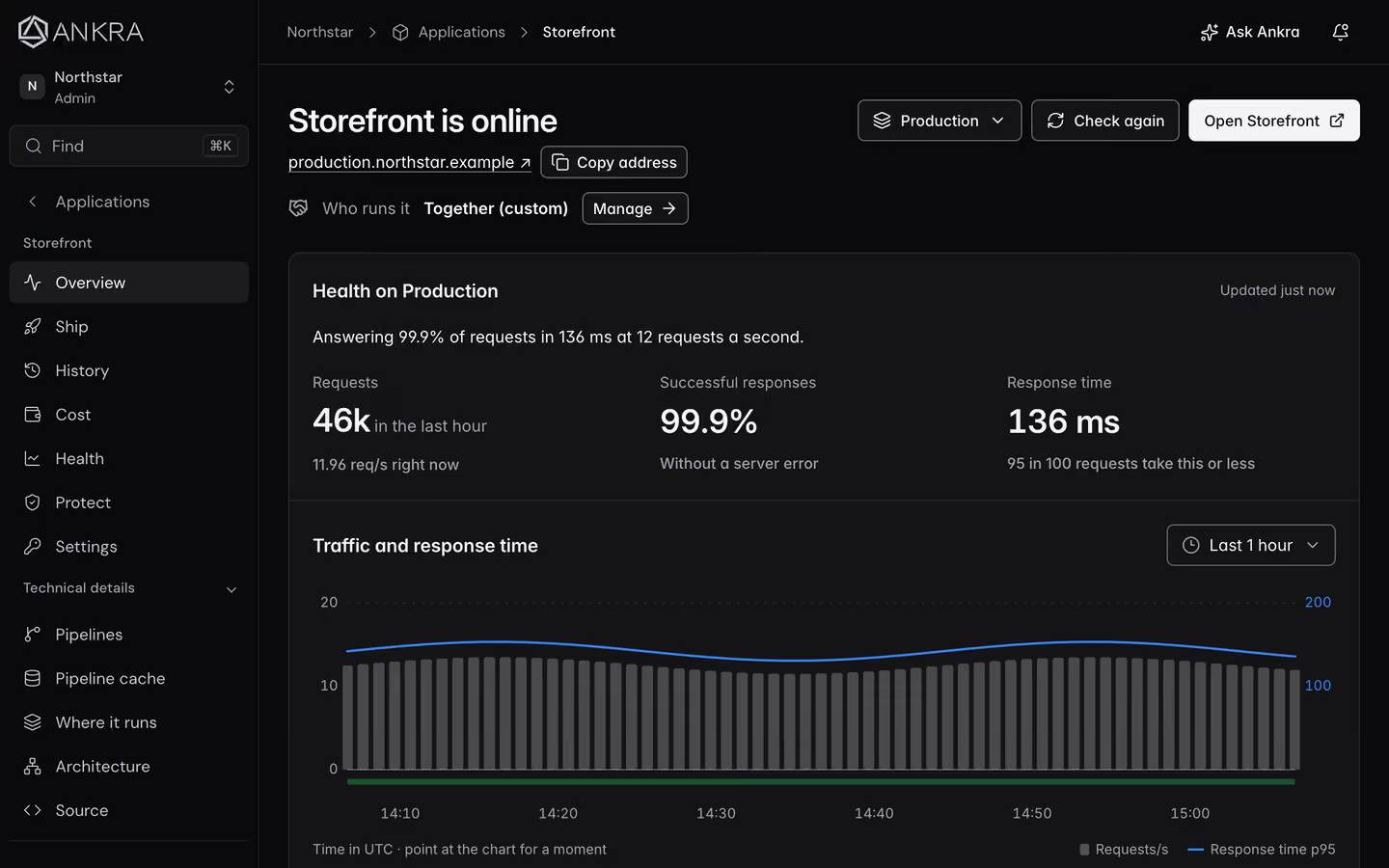
The Ankra platform, shown with demo data.
See it on real infrastructure
Follow a change from the repository to production.
One flow, run three ways in the console, the CLI and Claude Code: a pull request, a security gate that stops a critical vulnerability, the fix, staging, and a production deploy that waits for a person.
Plays from YouTube. Open on YouTube instead
What you no longer do
Skip the platform work. Keep the control.
The setup lives in your repository and the builds run on your infrastructure. You see every file Ankra writes and every change it makes.
- Writing a Dockerfile for Node, Python, Go, Rust, Java, Ruby, PHP, Elixir or a static site
- Paying for CI minutes or running a fleet of build runners
- Putting kubectl or cluster credentials in your CI
- Storing a registry password in your repository
- Installing and wiring a separate GitOps tool
After launch
Shipping is day one. Ankra stays for day two.
The same platform keeps your app healthy, reviews your changes and helps when something breaks.
Pull request previews
Every pull request can get its own preview URL to test before you merge.
AI review on every pull request
Ankra AI reads each change and posts its findings on the pull request.
Fix pull requests
When a build breaks, Ankra AI investigates the run and can open the fix for you to review.
Rollback and promotion
Move a tested image to the next environment, or go back to the last good one.
Logs, metrics and alerts
See what the app is doing and send alerts to Slack, Teams or your on-call tool.
Secrets out of your code
Environment secrets live in Ankra or encrypted in Git, never in plain text in your repository.
Built for people and agents
Context. Permissions. Execution.
Your coding agent can ship and operate through Ankra too. Ankra connects it to the infrastructure, scopes the tools it can use and records the work it performs.
See agents in operationYour infrastructure
An outbound-connected cluster agent links the running system to Ankra.
Your repository
Stacks, Helm values and manifests keep the intended state in Git.
Your review
Changes arrive as pull requests and drafts you can read before they apply.
Your interface
People use the portal, CLI and API. Agents use the platform through scoped tools.
Understand the boundaries
Your infrastructure. A shared control plane.
Applications and services run on the Kubernetes infrastructure you connect. Ankra’s control plane stores the configuration, credentials and operational context needed to manage it. Read the security and trust pages for the architecture, access controls and data handling.
Your next chapter
You built it. Let’s get it live.
Give your application a path to production. Give your team a simpler way to run it.
First 30 vCPU of platform usage included. Try it without a card; a card unlocks full access and €59 of credit.
From something you built to something people use.
- Deploy from your repository
- Run on infrastructure you choose
- Operate with your team and agents